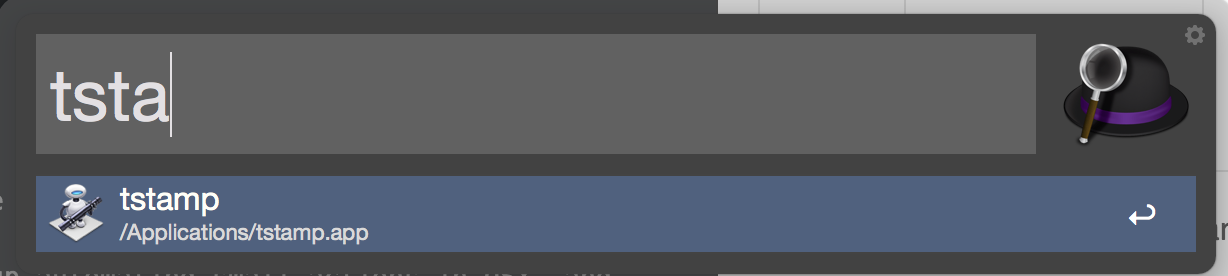
Being a Linux user, I often end up automating small actions in OSX, and then completely forgetting the slightly idiosyncratic way of doing said automation. Hence, this post – largely to keep in my list of things to remember; but also because someone else looking for a very basic example may find it useful.
Having a stamp of the current time at your fingertips is always a useful thing.
While logging, org-mode, etc. do these automatically, sometimes you need to
log stuff in a text file like “Testing of this problem done at 2015-07-31
19:06:34”, etc. So it’d be nice to have a way to quickly say, ‘insert a
timestamp for the current time’. So far as I know, OSX (as of Yosemite) has no
built-in way to do this.
It does, however, have the excellent Automator though. So, what we need to do is create an Application in Automator that automatically invokes the relevant bash snippet in a shell script, like so:
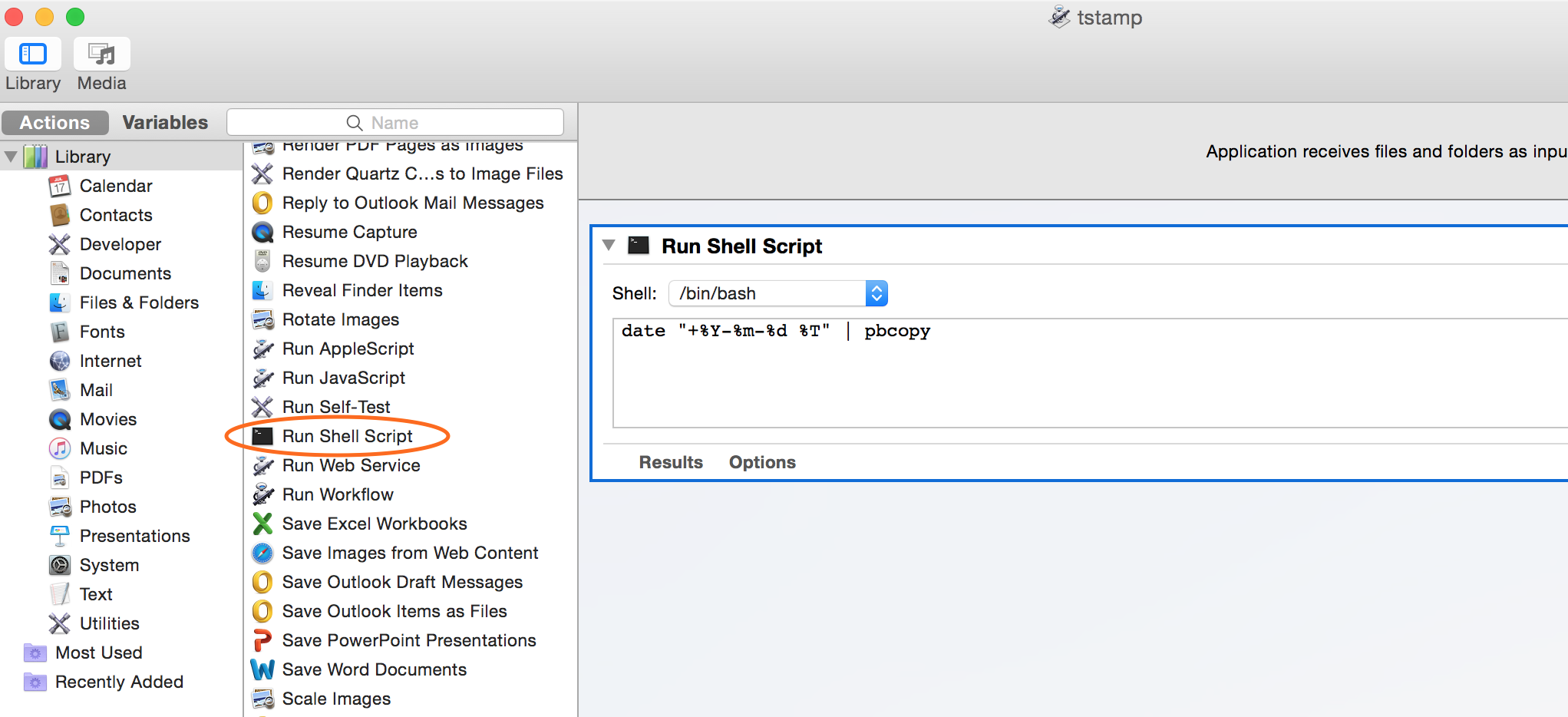
I could assign a keyboard shortcut to this using the built in System
Preferences, but I find it pretty difficult to remember arbitrary shortcuts for
every such script. Instead, I stuck it in Applications, and my faithful butler
Alfred remembers it instead. Thus typing Command +
Space, followed by ts or even just t (depending upon how frequently I’m
inserting timestamps) tends to suffice.